

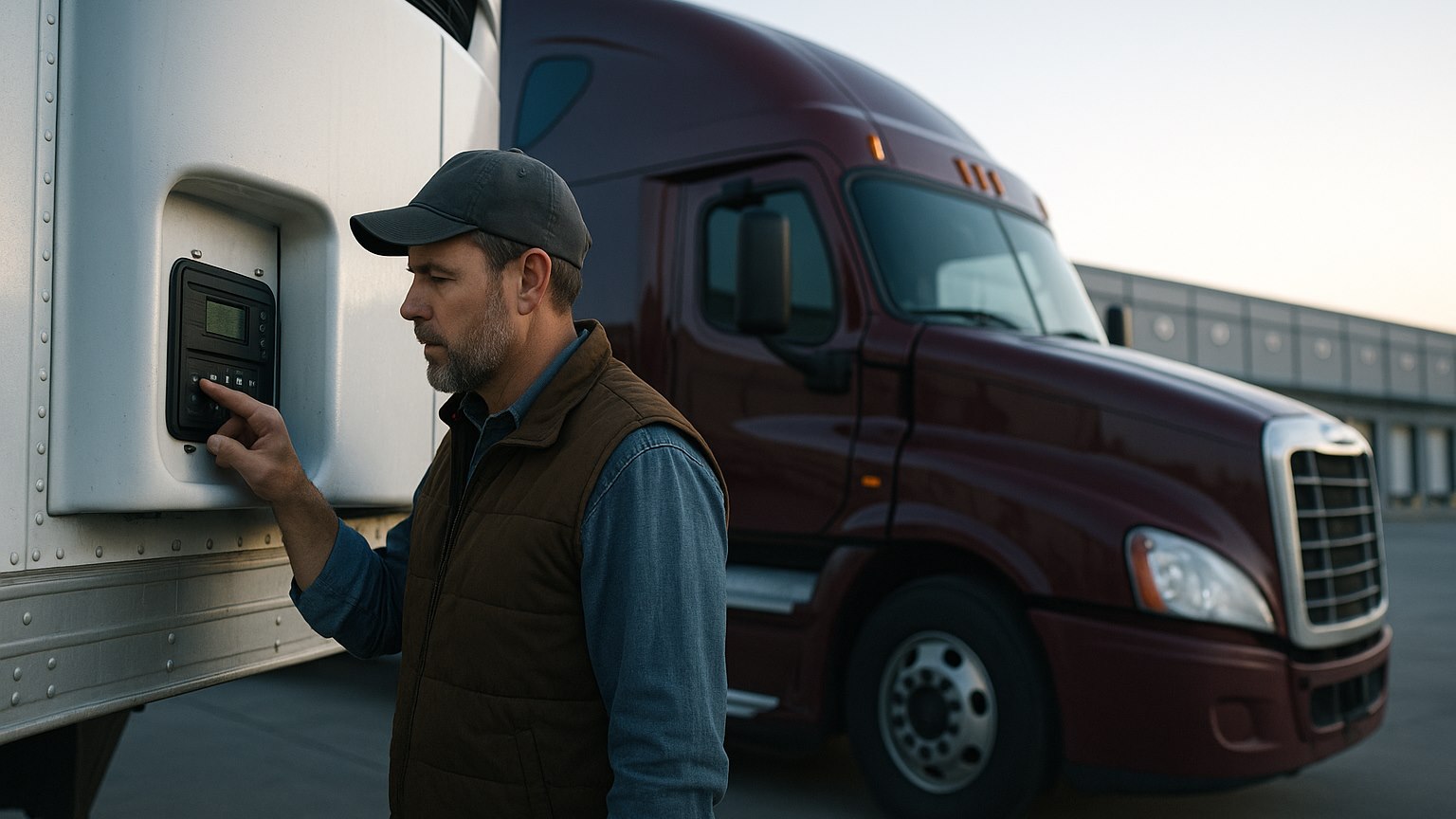
How to Run a Reefer Unit — A Driver's Practical Guide
A reefer unit is the one piece of your equipment that keeps working while you sleep, and the one that can cost a whole load if you set it up wrong. The controller has a hundred menus. The driver's job comes down to a dozen habits. Here they are, in the order you'll actually use them: at pickup, on the road, and at delivery.
Pre-cooling the trailer is step one, not a formality
A trailer refrigeration unit is built to hold a temperature, not to pull a warm box and a warm load down to it. Arrive at a produce cooler with an 85°F trailer and the shipper will either refuse to load you or load you into a box that spends the next three hours fighting heat soaked into the walls and floor. The top layer of your pallets pays for it.
- Read the Rate Confirmation and the BOL. The temperature and mode written there are your instructions. If they disagree, call dispatch before loading, not after.
- Start the unit early. Cooling an empty box from a summer afternoon to 34°F typically takes 2–3 hours; getting to 0°F or below for frozen freight can take 3–4. Start it at the truck stop, not at the gate.
- Run a defrost before you back in. A manual defrost right before loading clears the moisture that built up on the evaporator coil during pre-cool, so the unit starts the trip with a clean coil.
- Check the box, not the screen. Open the doors and feel the walls and floor. A floor still warm to the touch hasn't finished pre-cooling, whatever the display says.
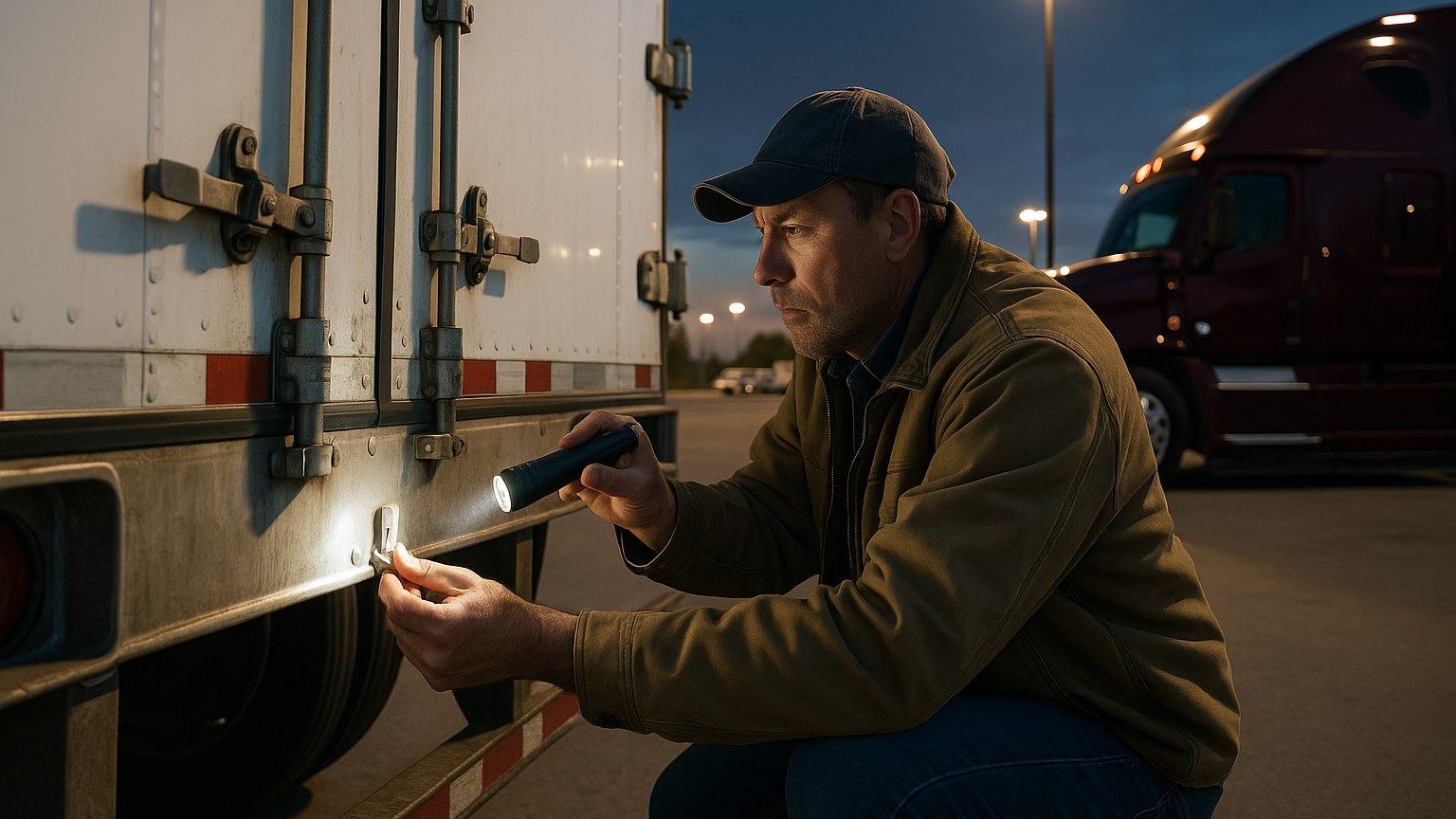
Pre-cooling is also where a real pre-trip inspection pays off: the unit's own pre-trip test cycle, fuel level, door seals, air chute, drain holes. Ten minutes at the yard beats a rejected load at the dock.
Continuous or Cycle-Sentry sets how the load actually rides
Every modern unit, Thermo King or Carrier Transicold, offers two ways to hold temperature. Continuous runs the engine and fans nonstop. Cycle-Sentry (Thermo King's name; Carrier calls it Start-Stop) shuts the unit down at setpoint and restarts it when the temperature drifts. It saves fuel and engine hours and suits many loads. It is the wrong choice for fresh produce.
| Question | Continuous | Cycle-Sentry / Start-Stop |
|---|---|---|
| How it works | Engine and evaporator fans run without stopping; air moves through the load the whole trip | Unit shuts off at setpoint, restarts when box temp drifts about a degree or when the engine needs to warm up or charge |
| Temperature swing | Tightest, usually within a degree of setpoint | Noticeable: a few degrees of drift between cycles, and no air movement while it's off |
| Best for | Fresh produce, flowers, meat, dairy, pharma: anything living or breathing, anything narrow-range | Deep-frozen product (ice cream, frozen meat/vegetables), shelf-stable chilled goods, many beverage loads |
| Risk if wrong | Extra fuel and hours, annoying, not expensive | Frozen tops, condensation in packaging, warm centers in produce, a claim |
| Rule of thumb | If the BOL says "Continuous," it's Continuous. If it says nothing and the load is fresh, run Continuous | Only when the shipper allows it or the load is well below freezing and stable |
Produce shippers insist on Continuous because vegetables and fruit are still alive. They breathe, generate heat and moisture, and need airflow through the pallets to carry that heat away. When Cycle-Sentry shuts the fans off, warm pockets form inside the load and the sensor at the evaporator has no idea. The download says you held 34°F all the way to Chicago. The receiver's pulp thermometer says 41°F in the middle of pallet 14. That mismatch is the classic reefer load rejection, and Continuous is the cheapest insurance against it.
Setpoint and actual box temperature are two different numbers
The number you punch in is the setpoint. The number the unit is chasing is the return-air temperature, air coming back to the evaporator after passing through the load. Most controllers also show discharge (supply) air leaving the coil. Three numbers, three meanings.
- Setpoint is your order. It proves nothing about the product.
- Return air is what the load gives back. Sitting above setpoint an hour after loading means the load went in warm, the doors aren't sealing, or the airflow is blocked.
- Discharge air shows the unit is working. A big gap between discharge and return means the coil is doing its job and the load is still shedding heat.
Ranges matter, too. A couple of degrees is not rounding error in this business.
| Commodity | Typical setpoint | Notes for the driver |
|---|---|---|
| Lettuce, leafy greens, broccoli, berries | 33–36°F | Continuous mode; these loads freeze easily if the unit overshoots |
| Apples, grapes, stone fruit, most produce | 34–38°F | Confirm on the BOL, mixed produce loads often ride at 36–38°F |
| Fresh meat, poultry, dairy | 28–36°F | Narrow range; keep doors shut and pulp on arrival |
| Tomatoes, cucumbers, peppers, citrus | 45–55°F | Chill-sensitive, running them too cold damages them as surely as heat |
| Bananas | 56–58°F | The most cold-sensitive common load; a few hours at 45°F ruins them |
| Frozen meat, vegetables, prepared foods | −10 to 0°F | Cycle-Sentry usually acceptable; watch for defrost cycles on long hauls |
| Ice cream | −20°F or colder | Zero tolerance, pre-cool hard and don't open the doors |
The air chute and loading pattern decide whether cold air reaches the load
Cold air leaves the evaporator at the nose, travels down the air chute along the ceiling, drops at the rear doors, and comes back through the load to the return-air sensor. Anything that breaks that loop makes your reefer a very expensive fan. Before loading, check:
- The chute is intact and attached. A torn or sagging chute dumps the cold air on the first three pallets; the tail of the load rides warm.
- Nothing is stacked above the chute line or against the evaporator discharge. Pallets built too tall pinch the airflow at the front and starve the rear.
- Product sits on the floor channels. Reefer floors are ribbed so air can return under the load; loose cardboard, shrink wrap and crossways pallets block that path.
- Leave the rear gap. Cold air needs room to drop at the doors and turn around.
On a live load you see how the forklift stacks it and can politely object. On a drop-and-hook you inherit someone else's loading, so open the doors and look before you sign.
Pulping the load at pickup proves the product, not just the air
Pulping means putting a probe thermometer into the product itself, not the air, and recording the reading. It is the most important thing you do at a produce dock, because the unit cannot fix a load that went in warm: lettuce loaded at 45°F will ride in 34°F air for two days and still pulp at 40°F in the middle of the pallet at delivery.
- Carry your own calibrated probe thermometer; check it in ice water now and then (it should read 32°F).
- Pulp several pallets, front, middle, back, and at least one case from the center of a pallet, not just the exposed edge.
- If the product is above the BOL range, call dispatch before it goes on. Warm product loaded without a note is your problem now.
- Write on the BOL: "Pulp temp 36°F at pickup, reefer set 34°F Continuous", with time and your name. Photograph the page and the controller screen.
If the shipper won't let you pulp, note that too ("shipper declined pulp check"). The note is worth more than the argument. The full claim-proofing routine is in our guide to avoiding reefer load rejection.
Defrost, fuel and alarms are the on-road habits that matter
Defrost cycles
Moisture from the load and from every door opening freezes onto the evaporator coil, and an iced coil can't move air. The unit defrosts automatically, on a timer or when the coil sensor calls for it. Discharge air reads warmer and the box drifts a degree or two, which is normal and short. What's not normal is a unit constantly in defrost or one that never gets back to setpoint afterward: a door seal leaking humid air, a load that went on wet, or a defrost fault for the shop. Run a manual defrost before loading and after long door-open stretches on multi-stop deliveries.
Reefer fuel
The reefer has its own diesel tank, usually 50 gallons, and burns roughly half a gallon to a gallon an hour depending on mode, setpoint and ambient. Continuous in July on a frozen setpoint is the thirsty end. Two rules: never go below a quarter tank, and top it off every time you fuel the truck. A reefer that runs dry pulls air into the fuel system and may need bleeding before it restarts, and the load doesn't wait for that. Put reefer fuel on your trip plan like any other stop. It's usually off-road (dyed) diesel at a separate pump.
Common alarms
Units group alarms by severity: informational (log it, keep going), check/yellow (fix soon) and shutdown/red (the unit has stopped or will). You don't need the full code list, but recognize the regulars.
- Low fuel: add fuel and clear.
- Engine failed to run, engine stopped (Thermo King code 63, for example). The controller called for the engine and it didn't answer or died. Check fuel, think vapor lock on a hot day, try a restart. If it won't stay running, call dispatch now, not at the next truck stop.
- High or low box temperature: check doors, chute, defrost status and setpoint before assuming the unit is broken.
- Low battery, low oil pressure, high coolant temperature: shop-level problems, don't keep clearing them and driving.
- Door open: usually a stuck switch or a door left cracked; cheap to check, expensive to ignore.
Never clear an alarm you don't understand and drive on. Photograph the screen, note the time and call your dispatcher. At ASTEL that's a 24/7 line. A reefer that dies on I-80 at 2 a.m. is exactly what our own shop and mechanics are for, and the answer to a real breakdown is a replacement truck and a saved load, not a shrug. The terminology above, setpoint, return air, Cycle-Sentry, pulp, is defined in our trucking terms glossary.
Temperature logs and downloads are what protect you
Every modern unit keeps a data logger: date, time, setpoint, discharge and return-air temperatures, mode changes, door events, alarms. When a receiver claims "it arrived warm," that download is the carrier's defense, and it only defends you if the rest of your paperwork lines up with it.
- Log temps yourself at pickup, every stop and delivery, controller reading plus time, in ELD notes or a phone note. Several driver apps do this in two taps.
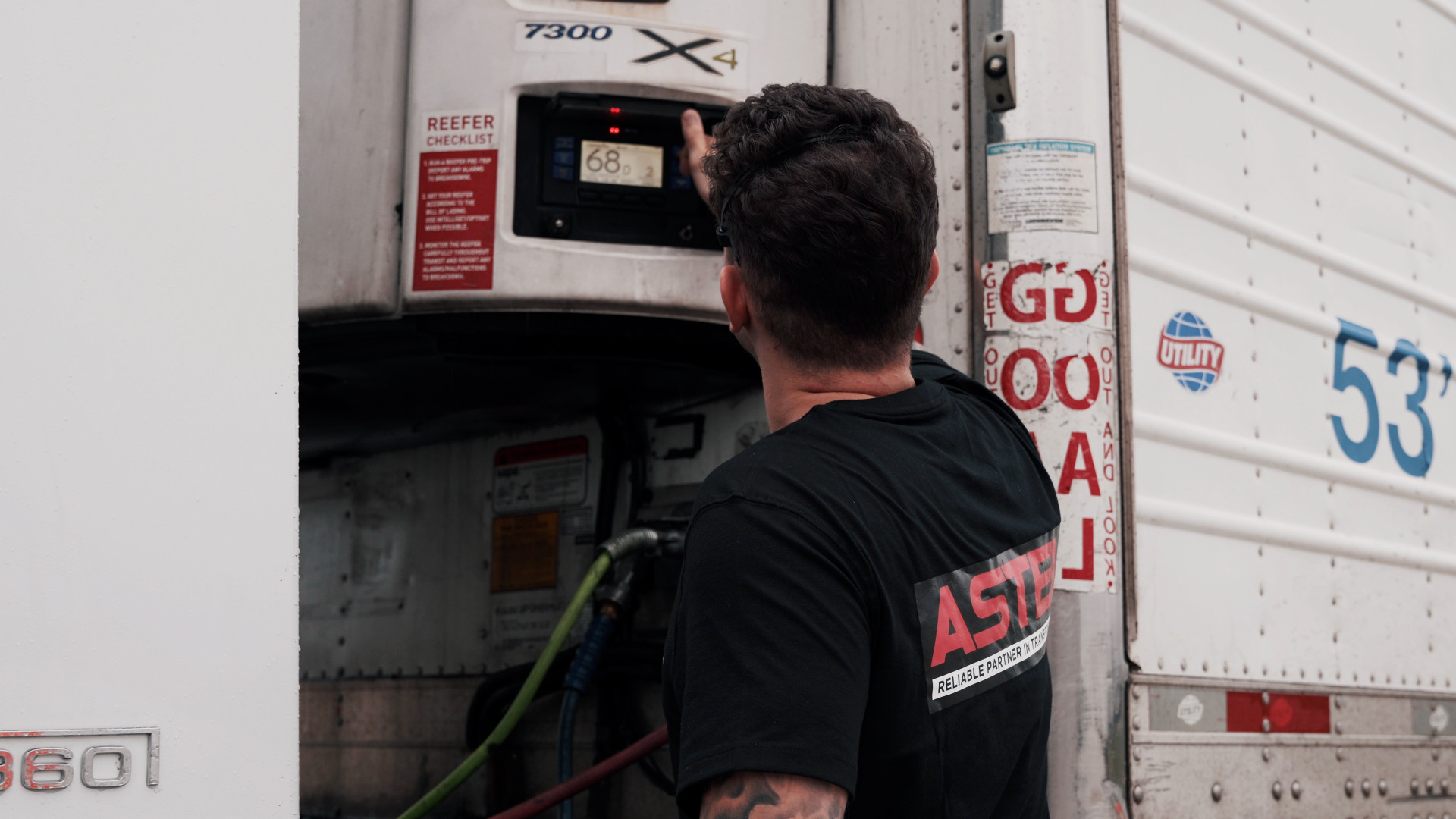
- Photograph the controller screen when loaded and when you arrive: setpoint, mode and return air visible.
- Don't change mode or setpoint mid-trip unless dispatch says so. A setpoint jump in the middle of a download is the first thing a claims adjuster asks about.
- Ask for the download when it matters. If a receiver disputes temps, don't argue at the dock. Note their pulp reading on the delivery receipt, photograph it, and have dispatch pull the download before the trailer moves.
A driver whose BOL notes, photos and download all agree almost never sees the claim land on him. A driver with none of them is arguing his word against a receiver's thermometer.
These habits are where a reefer career actually starts
None of this is complicated once it's routine, and routine is what a first month builds. In a good company the unit walkthrough happens at orientation and on the first load, and these habits separate drivers who pull reefer for a decade from those who go back to dry van after two claims. The payoff is real. Reefer runs year-round, and in the August–March peak strong drivers at ASTEL run 3,500–3,700 miles a week on late-model Volvo trucks with a reefer they know how to handle.
Frequently asked questions
How long should I pre-cool a reefer trailer before loading?
Long enough for the walls and floor to be cold, not just the air: typically 2–3 hours to reach about 34°F from a warm summer box and 3–4 hours to reach 0°F or below for frozen freight. Start the unit well before the appointment and run a manual defrost right before you back in.
When should a reefer run in Continuous mode instead of Cycle-Sentry?
Whenever the Rate Confirmation or BOL says so, and whenever the load is fresh produce, flowers, meat, dairy or anything with a narrow temperature range. Cycle-Sentry (start-stop) saves fuel but lets the box drift and stops airflow between cycles, which is fine for deep-frozen product and risky for anything alive.
What is the difference between setpoint and box temperature?
The setpoint is the temperature you order; the box (return-air) temperature is what the air coming back from the load actually measures. A unit holding the setpoint proves the air is right. It does not prove the product is, which is why you also pulp the load.
What is a typical reefer setpoint for produce and for frozen freight?
Most fresh produce rides between 34 and 38°F, with leafy greens and berries at the cold end; chill-sensitive items such as tomatoes and bananas ride at 45–58°F. Frozen meat and vegetables are usually set at −10 to 0°F, and ice cream at −20°F or colder. Always use the number on the paperwork.
What should I do when the reefer unit shows an alarm?
Read it, photograph the screen with the time, and act by severity: add fuel for a low-fuel alarm, check doors, chute and defrost status for a temperature alarm, and call dispatch immediately for an engine-stopped or other shutdown alarm. Don't clear an alarm you don't understand and keep driving.
Reefer done right — with a shop behind you
ASTEL is a family-owned carrier out of Chicago running refrigerated freight year-round on late-model Volvo trucks, with our own repair shop and mechanics, 24/7 dispatch and a direct line to the owner. Drivers earn $90,000–$110,000 a year — $2,400–2,700+ a week gross, a flat $0.80 per mile for drivers with 1+ year of experience, all miles paid ZIP-to-ZIP, weekly pay, plus $50/$200/$500 bonuses for clean DOT inspections.
Apply in 2 minutes →Operating guidance reflects Thermo King and Carrier Transicold operator documentation and common produce-handling practice as of August 2026; setpoints in the table are typical ranges, and the temperature and mode written on your Rate Confirmation and bill of lading always take precedence. Pay and mileage figures describe ASTEL driver ranges, not guarantees. This article is general information, not a substitute for your unit's manual or your company's procedures.